Whiteboarding on Paper using MS Teams
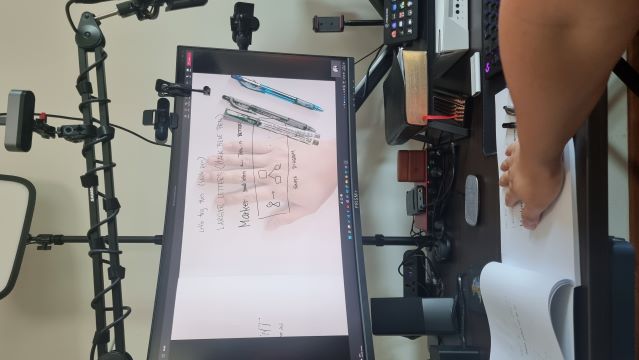
As I see more and more offices install a content camera for their Microsoft Teams Rooms, I’ve always wondered if it will work on paper using the standard MS Teams desktop client, to use this feature as I work from home. I usually work with MS Whiteboard on my Windows device, but sometimes using pen and paper is more effective.
Well, it works! And instead of writing about it, here’s a screen recording (no audio).
Recording
FAQ: Does this work on any camera?
I don’t think so. It definitely works with any MS Teams certified camera. But it did NOT work with the only non-certified camera I have at home. It just wasn’t able to detect the paper edges properly.
I did notice that we can use a virtual camera (such as OBS Virtual Camera or XSplit VCam), just note that the rotate button is disabled when using a virtual cam, and so you have to rotate the image as needed in the software and not on MS Teams. See screenshot below. 